
Test Template
Test Templates are used configure reusable testing behaviors with fixed parameters. There are three distinct type
of Test Templates, Burn In, Ramp, and Spectrum. A Test Template can only be used and initialized in the
context of a Test Sequence Template.
Workflows
Section titled “Workflows”*️⃣ Creating a Test Template
Section titled “*️⃣ Creating a Test Template”- Navigate to the
Configuration > Testsview on the left sidebar - Click the
+Button in the top-right corner - The
Create Test Templatedialog should now be open
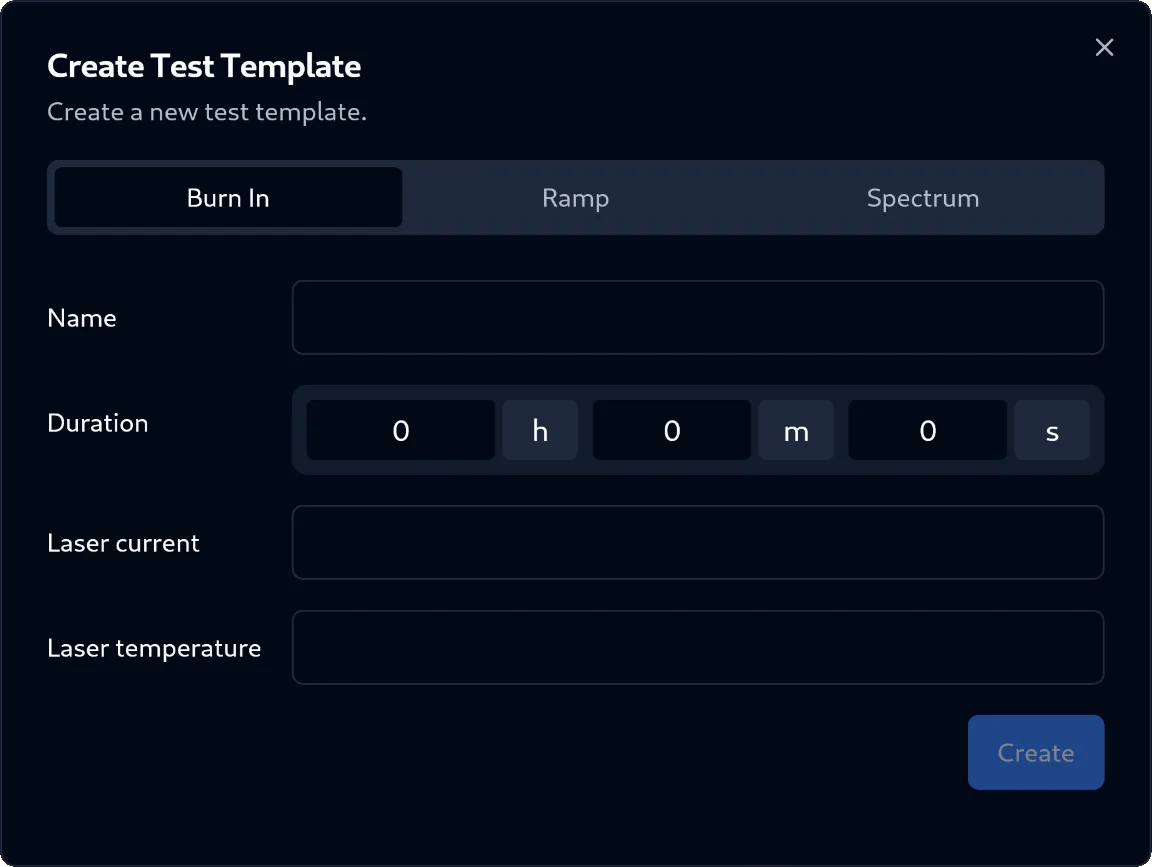
- In the dialog, select the type of [[Test Template]] from the tab selection
- Fill out the required input fields:
- For
Burn In:- Name:
Text(required) - Duration:
Duration(required) - Laser Current:
mA(required) - Laser Temperature:
°C(required)
- Name:
- For
Ramp:- Name:
Text(required) - Step Duration:
Duration(required) - Min. Laser Current:
mA(required) - Max. Laser Current:
mA(required) - Laser Current Increment:
mA(required) - Laser Temperature:
°C(required)
- Name:
- For
Spectrum:- Name:
Text(required) - Duration:
Duration(required) - Laser Current:
mA(required) - Laser Temperature:
°C(required)
- Name:
- For
- Click on the
Createbutton in the bottom-right corner of the dialog - The Test Template was successfully created
▶️ Starting a Test Template
Section titled “▶️ Starting a Test Template”A Test Template cannot be directly initialized and started. This can only be done through inclusion in a Test Sequence Template, which when initialized and started, also initializes and starts all assigned Test Templates in the correct order. Please refer to the workflows of Test Sequence Template for more details.
❌ Deleting a Test Template
Section titled “❌ Deleting a Test Template”- Navigate to the
Configuration > Testsview on the left sidebar - Select the Test Template to delete from the left table view
- Click the
Deletebutton in the bottom right corner - The
Delete Test Templatedialog should now be open
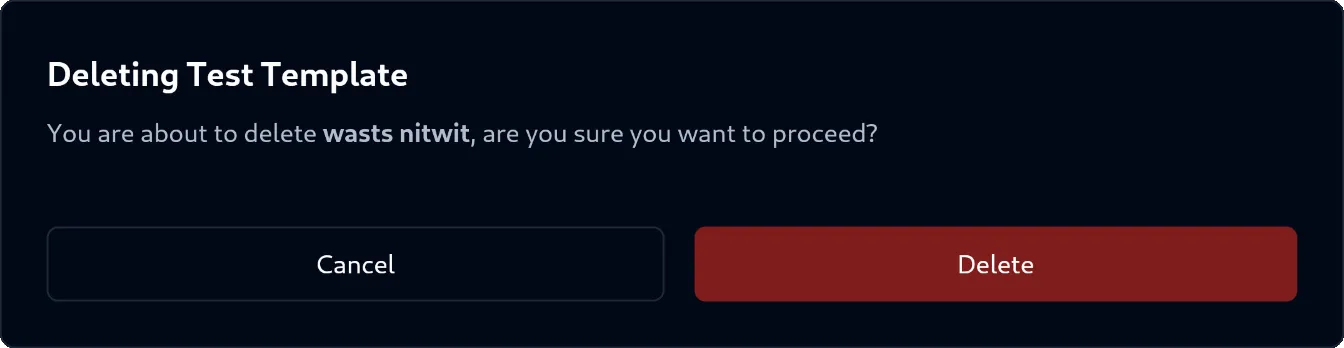
- In the dialog, confirm your action by clicking the
Deletebutton in the bottom-right corner of the dialog - The Test Template was successfully deleted