
Test Sequence Template
Test Sequence Templates are used to configure reusable sequences of Test Templates. They can be initialized and started to run their associated Test Templates in the configured order.
Workflows
Section titled “Workflows”*️⃣ Creating a Test Sequence Template
Section titled “*️⃣ Creating a Test Sequence Template”- Navigate to the
Configuration > Test Sequencesview on the left sidebar - Click the
+Button in the top-right corner - The
Create Test Sequence Templatedialog should now be open
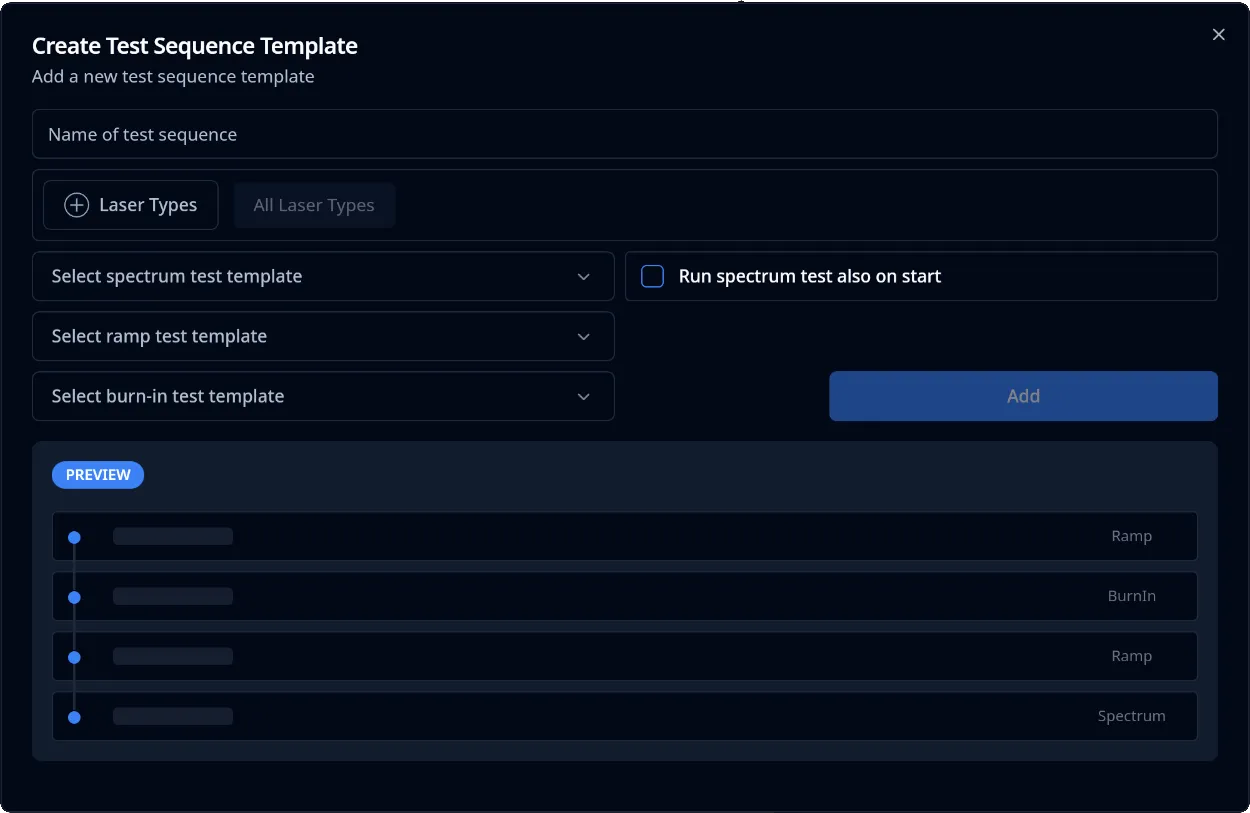
- Fill out the required input fields:
- Name:
Text(required) - Laser Types:
Selection(default=all) - Test Template Spectrum:
Selection(required) - Test Template Ramp:
Selection(required) - Test Template Burn In:
Selection(required) - Run Spectrum Test also on Start:
Boolean(default=no)
- Name:
- Click on the
Createbutton in the bottom-right corner of the dialog - The Test Sequence Template was successfully created
▶️ Starting a Test Sequence Template
Section titled “▶️ Starting a Test Sequence Template”- Navigate to the
Configuration > Test Sequencesview on the left sidebar - Select the Test Sequence Template to start from the left table view
- Click the
▶Button in the top-right corner of the right detail view - The
Start Test Sequencedialog should now be open
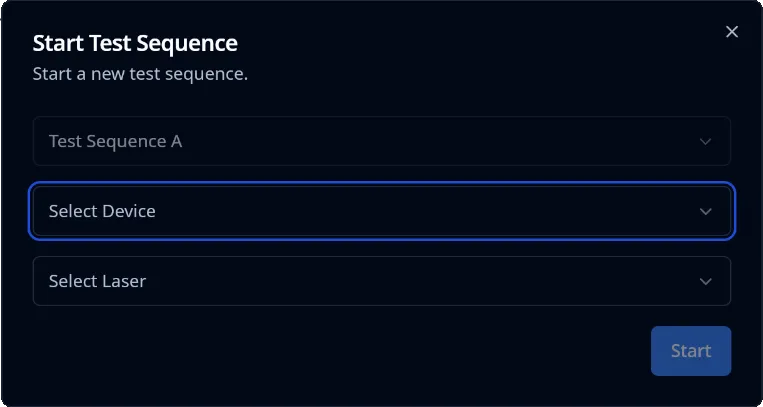
- Fill out the required input fields:
- Device:
Selection(required) - Laser:
Selection(required)
- Device:
- Click on the
Startbutton in the bottom-right corner of the dialog - The Test Sequence was successfully started
❌ Deleting a Test Sequence Template
Section titled “❌ Deleting a Test Sequence Template”- Navigate to the
Configuration > Test Sequencesview on the left sidebar - Select the Test Sequence Template to delete from the left table view
- Click the
Deletebutton in the bottom right corner - The
Delete Test Sequence Templatedialog should now be open
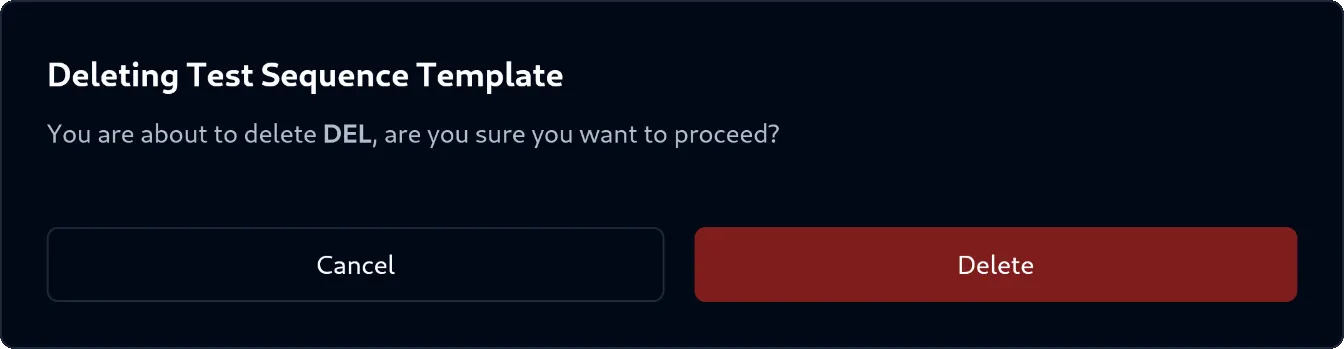
- In the dialog, confirm your action by clicking the
Deletebutton in the bottom-right corner of the dialog - The Test Sequence Template was successfully deleted