
Report
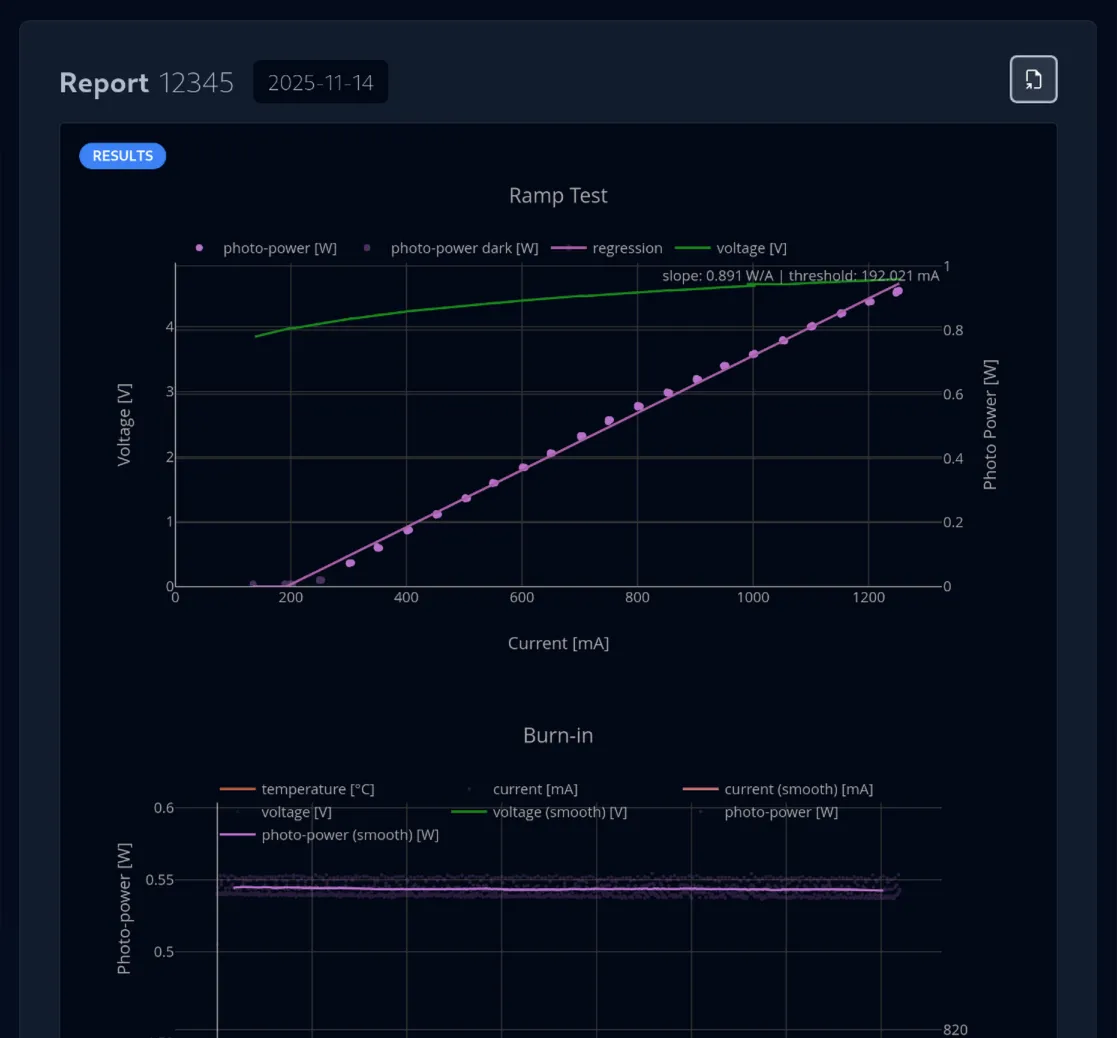
Reports for a Laser are automatically generated after a Test Sequence on that Laser is successfully completed.
Workflows
Section titled “Workflows”↗️ Exporting a Report to PDF
Section titled “↗️ Exporting a Report to PDF”- Navigate to the
Application > Reportview on the left sidebar - Select the finished Test Sequence of the report from the left table view
- Click the
Exportbutton in the top right corner - Now all the report data is compiled and the PDF is created in the background
- The Report was successfully exported when a success toast pops up in the bottom left